
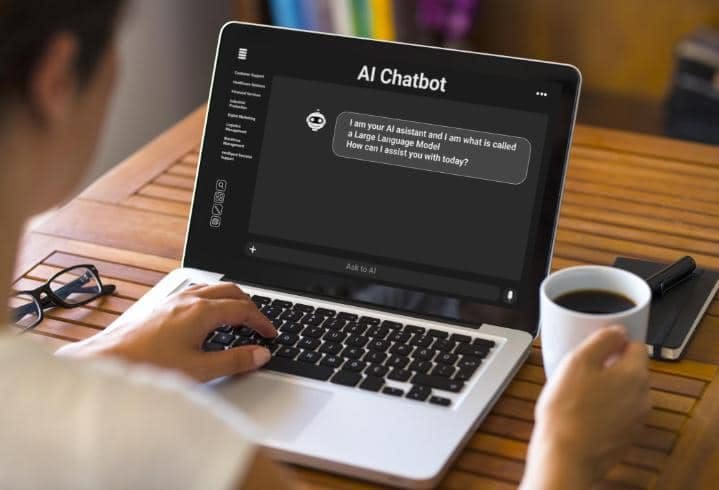
Modern workplaces involve many repetitive tasks, including writing emails, attending meetings, preparing documents, organizing information, analyzing data, creating presentations, and managing schedules. These activities may not always require complex decision-making, but they can consume a significant amount of working time.
Artificial Intelligence tools can help reduce the time spent on many of these activities. AI can assist with writing, research, communication, scheduling, data analysis, customer support, project management, and automation.
The goal of using AI at work should not simply be to automate everything. Instead, AI can be used to handle repetitive tasks while employees focus on activities that require human judgment, creativity, communication, and decision-making.
How AI Can Save Time at Work
AI can save time in several ways.
It can generate first drafts instead of requiring employees to start from an empty document. It can summarize long information and identify important points. It can organize data and automate repetitive workflows.
For example, an employee who spends an hour preparing a meeting summary may be able to use an AI tool to create an initial summary in minutes and then review it.
This does not mean every task should be handed over to AI. Human review remains important, especially when accuracy or confidentiality matters.
AI Writing Assistants
Writing is one of the most common workplace activities.
Employees may need to write emails, reports, proposals, product descriptions, internal announcements, documentation, and other business content.
AI writing tools can help create drafts, improve sentence structure, summarize information, and adjust the tone of a message.
Instead of asking an AI system to create a complete document without context, employees can provide important details and use the output as a starting point.
This can reduce the time required for routine writing while allowing the employee to maintain control over the final content.
AI Email Assistants
Email management can take a large portion of the workday.
AI email tools can summarize long conversations, suggest replies, organize messages, and help draft responses.
For example, if an employee receives a long email thread involving several people, an AI assistant may be able to summarize the key points and identify the current status of the conversation.
AI can also help create short professional responses to common requests.
Employees should review generated emails before sending them, especially if the message includes commitments, sensitive information, or important business decisions.
AI Meeting Assistants
Meetings often produce useful information, but taking notes manually can be difficult.
AI meeting assistants can transcribe conversations, summarize discussions, identify decisions, and extract action items.
This can allow employees to focus on the conversation rather than trying to write down every detail.
After the meeting, participants can review a summary and quickly identify what needs to happen next.
Organizations should consider privacy requirements and obtain appropriate permission when meetings are recorded or transcribed.
AI Research Tools
Research can be time-consuming when employees need to review multiple documents, reports, articles, or internal files.
AI research tools can help summarize information, compare documents, identify themes, and organize findings.
For example, a business analyst could use AI to summarize several reports before reviewing the original documents in detail.
AI can speed up the initial research stage, but important claims should be verified against reliable sources.
AI Document Summarization
Long documents can take significant time to read.
AI summarization tools can produce shorter versions that highlight important information.
They can be useful for contracts, reports, meeting notes, policy documents, technical documentation, and business proposals.
Summaries are particularly useful when employees need to quickly understand the general content before deciding whether a detailed review is necessary.
However, important documents should not be treated as fully understood based only on an AI-generated summary.
AI Presentation Tools
Creating presentations involves research, writing, formatting, and visual organization.
AI presentation tools can help generate outlines, suggest slide structures, summarize information, and create initial presentation content.
Employees can then edit the presentation and add company-specific information.
This can reduce the amount of time required to create a first draft.
Human review is still needed to verify facts, statistics, branding, and overall presentation quality.
AI Spreadsheet Assistants
Working with spreadsheets can become complicated when datasets contain thousands of records or require complex formulas.
AI spreadsheet assistants can help users generate formulas, explain functions, identify patterns, clean information, and summarize datasets.
For example, an employee could ask an AI tool to explain a formula or identify sales trends in a dataset.
This can make spreadsheet work easier for people who are not advanced users.
Important calculations should still be checked because an incorrect formula can produce misleading results.
AI Data Analysis
Businesses often collect large amounts of information but may not have enough time to analyze it manually.
AI can help identify patterns, summarize datasets, compare periods, and create insights from structured information.
For example, an organization could analyze customer feedback to identify common complaints.
AI can process large amounts of information quickly, but employees should verify conclusions before making important business decisions.
AI Customer Support
Customer service teams often receive similar questions repeatedly.
AI chat systems can handle common requests, provide basic information, and direct customers toward relevant resources.
This can reduce the number of simple questions that human support employees need to answer manually.
For complex or sensitive issues, the AI system can transfer the conversation to a human representative.
A good customer support workflow should clearly define when human intervention is required.
AI Sales Assistance
Sales teams spend time researching prospects, preparing messages, updating records, and analyzing customer information.
AI tools can assist with some of these activities.
They can help summarize customer interactions, prepare draft messages, identify potential leads, and organize information.
Sales employees can then spend more time building relationships and having meaningful conversations.
AI-generated sales messages should be reviewed so they remain accurate and appropriate for the recipient.
AI Marketing Tools
Marketing involves research, writing, analysis, planning, and content production.
AI tools can help marketers generate ideas, create content drafts, analyze campaign information, summarize customer feedback, and develop content plans.
They can also assist with repetitive tasks such as creating variations of advertisements or organizing information.
AI should not replace marketing strategy. Human understanding of customers, markets, brand identity, and business objectives remains important.
AI Project Management
Project managers need to track deadlines, tasks, meetings, documents, and team communication.
AI project management features can help summarize project updates, identify overdue tasks, organize information, and create task suggestions.
For large projects, AI can help reduce the amount of manual information processing required.
Project managers should still make final decisions about priorities, deadlines, resources, and risks.
AI Calendar Management
Managing meetings and deadlines can be difficult when schedules become busy.
AI scheduling tools can help identify available times, organize appointments, and manage calendar information.
This can reduce the number of messages exchanged just to find a suitable meeting time.
However, calendar tools may require access to personal or business scheduling information, so permission settings should be reviewed carefully.
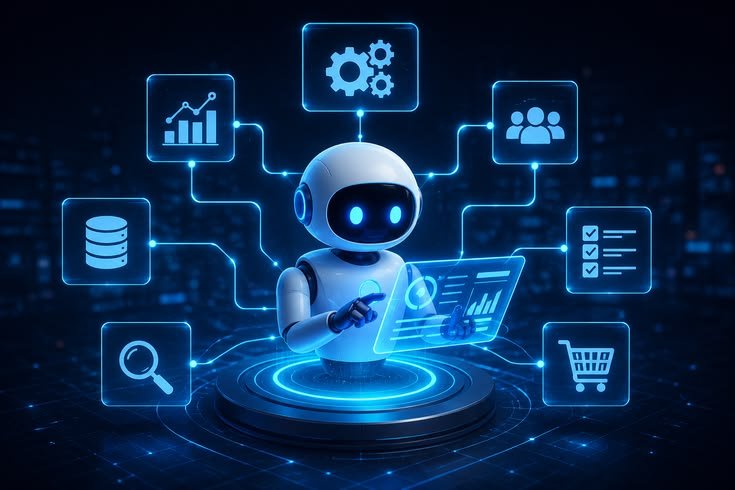
AI Workflow Automation
One of the strongest workplace applications of AI is workflow automation.
Employees often perform repetitive sequences of tasks.
For example, information may arrive through a form, need to be entered into a database, followed by an email notification and the creation of a task.
Automation software can connect these steps.
AI can make the workflow more flexible by analyzing information and determining which action should happen next.
Automating repetitive workflows can provide significant time savings when implemented correctly.
AI Coding Assistants
Developers spend considerable time writing, testing, debugging, and documenting code.
AI coding assistants can generate code suggestions, explain functions, identify possible errors, and create test cases.
They can also help developers understand unfamiliar code.
This can speed up development, especially for repetitive programming tasks.
However, developers must review AI-generated code for security, accuracy, performance, and compatibility.
AI Translation
Businesses that operate across multiple languages can use AI translation tools to speed up communication.
AI can translate emails, documents, product descriptions, and other content.
This can reduce the time required for basic translations.
For sensitive legal, medical, or contractual documents, professional review may still be necessary.
AI Human Resources Tools
Human resources departments handle applications, employee questions, documents, scheduling, and internal communication.
AI can assist with administrative tasks such as organizing resumes, summarizing documents, creating job description drafts, and answering routine employee questions.
Organizations should be careful when using AI for hiring or employee-related decisions because automated systems can introduce bias or produce inappropriate recommendations.
Human oversight should remain part of important employment decisions.
AI for Internal Knowledge
Businesses often have large collections of internal documents.
Employees may waste time searching for information across folders, emails, and databases.
AI-powered knowledge systems can help employees find information by asking questions in natural language.
For example, an employee could ask where a particular policy is located or request a summary of an internal procedure.
The system should have appropriate access controls so employees only receive information they are authorized to access.
How to Use AI Without Losing Productivity
AI can save time, but poorly implemented AI can also create more work.
Employees may spend too much time correcting inaccurate AI-generated content.
The best approach is to use AI for tasks where it provides a clear advantage.
Start with repetitive, low-risk activities.
Create standard prompts and workflows for common tasks.
Review important outputs.
Measure how much time is actually saved.
If an AI tool requires more correction than the original task, it may not be the right solution.
Protect Workplace Data
Employees should never assume that every AI application is safe for confidential information.
Before using an AI tool with business data, understand its privacy and security policies.
Organizations should establish guidelines about what information employees can enter into AI systems.
Sensitive customer data, passwords, confidential documents, financial information, and proprietary business information may require additional protection.
The Importance of Human Review
AI can generate useful results quickly, but it can also make mistakes.
Human review is especially important when AI is used for financial information, legal documents, customer communications, technical systems, or other high-impact tasks.
Employees should verify facts, calculations, names, dates, and important recommendations before using AI-generated content.
The purpose of AI should be to improve productivity while maintaining human responsibility.
How to Start Using AI at Work
Businesses do not need to automate everything at once.
Start by identifying repetitive tasks that consume significant time.
Choose one or two suitable AI tools and test them with low-risk workflows.
Measure the results.
If the tool consistently saves time without creating quality or security problems, expand its use gradually.
Employees should also receive basic training so they understand how to write effective instructions, verify results, and protect company information.
Conclusion
AI tools can save significant time at work by assisting with writing, email management, meetings, research, document summaries, presentations, spreadsheets, customer support, sales, marketing, project management, coding, translation, and workflow automation.
The biggest benefit comes from using AI for repetitive tasks while allowing people to focus on decision-making, creativity, communication, and relationship building.
Choosing the right tools requires careful consideration of accuracy, privacy, security, pricing, integrations, and workflow compatibility.
AI should not be viewed as a replacement for human judgment. When implemented responsibly, it can act as a productivity assistant that reduces repetitive work and helps employees use their time more effectively.





Leave a Reply